What Is External SSD Storage?
 By Theo LangUpdated
External SSD storage is a solid state drive in a separate enclosure that connects to a computer, console or phone with a cable. The drive holds files on flash memory chips, so you can add space without opening the host device, move files between devices, and keep a separate copy of photos, videos and documents.
What external SSD storage means
SSD stands for solid state drive. Inside the enclosure, flash memory chips store files, and a controller manages reads and writes through the cable connection. External means the drive sits outside the host device instead of inside it. You connect it when you need the files or extra space, then eject and unplug it when you are done. The drive keeps files while unplugged and draws power from the host port while connected.
How you connect the drive
Connect the drive with the cable that comes in the box and plug it into a matching port on the host. Check the port type on your computer, console or phone and the connector on the cable before you buy, since USB Type-A and USB Type-C plugs differ. A USB-C port name alone does not prove the port supports the speed or features you want. Read the host manual and the drive notes for the connection the host and drive list.
What people store on it
You can copy documents, photos and videos to the drive to free space on the host or to carry files to another device. You can also keep a backup copy of important files on the drive and store the drive apart from the host. For games and apps, check the host notes first, since some hosts limit where games can run from and where they can only be stored. Keep the original files until the copy finishes and opens correctly.
What to check before buying
Compare the drive capacity with the size of the files you plan to store, and leave room for files you add later. Match the cable connector to your host port and check the USB version the host and drive list, since transfer speed is limited by the slower side. Read the drive notes for host support, file system notes and any software the drive needs. Use the host eject option before unplugging, so writes can finish cleanly.
What you need

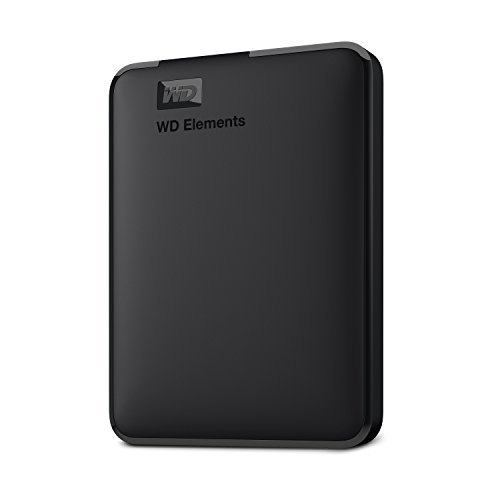
Western Digital P50
A 4TB portable SSD with SuperSpeed USB 20Gb/s connection, rated read speed up to 2000 MB/s and a shock-resistant portable design.
View on Amazon
Western Digital P40
A 1TB portable SSD with USB 3.2 Gen2x2 connection, RGB lighting and a shock-resistant structure for carrying a game library.
View on Amazon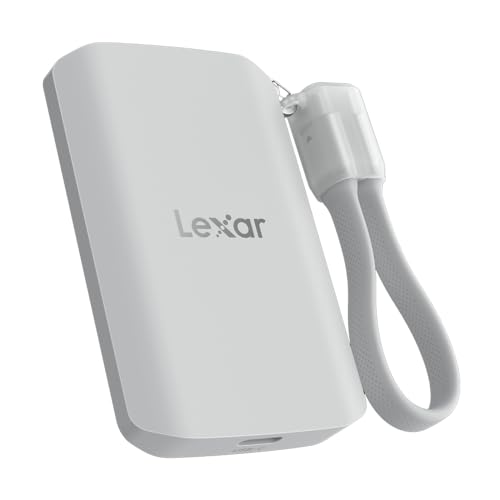
Lexar 2TB ES5 Magnetic External SSD
A 2TB magnetic portable SSD with USB 3.2 Gen 2x2 connection, rated read speed up to 2000 MB/s and a MagSafe-compatible design.
View on Amazon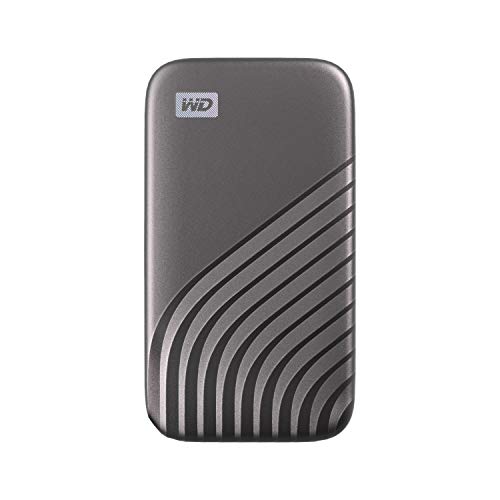
Western Digital WDBAGF0010BGY-WESN
A 1TB portable SSD with USB 3.2 Gen-2 connection, rated read speed up to 1050 MB/s and password protection with hardware encryption.
View on AmazonThese come from our ranked list Best External SSD, which compares them spec by spec.
FAQ
Is external SSD storage the same as a flash drive?
A flash drive and an external SSD hold files on flash memory and connect by USB. A flash drive is a small stick with the plug built in, while an external SSD is a drive in an enclosure that connects with a cable and offers larger capacities.
Do you need to open your computer to add one?
No. An external SSD connects with a cable to a port on the outside of the host. Check the port type and host notes first, then plug in the drive and follow the host prompts.
Can an external SSD work with a console or phone?
It depends on the host port and software support. Check the host manual and the drive notes for console or phone support before you buy, and match the cable connector to the host port.