What Is External Memory in a Computer?
 By Theo LangUpdated
External memory is storage that sits outside the computer and connects to it through a cable, such as a portable SSD. It holds files, photos, games and backups apart from the computer's drive, and you can unplug it and carry it to another computer. The computer reads from it and writes to it through the USB port, so you can use it on another computer with the same port.
External memory is storage, not RAM
RAM holds what the computer is working on right now and clears when you shut the computer down. External memory is storage: it keeps files, photos, games and backups after you unplug the drive. The two do different jobs, and an external drive does not add RAM to the computer.
How an external drive connects
An external drive connects through a cable to a USB port on the computer. The P50 uses a SuperSpeed USB 20Gb/s interface, the P40 and the Lexar ES5 use USB 3.2 Gen 2x2, and the My Passport uses USB 3.2 Gen-2 with USB-C. Check which ports your computer has before you buy, and check which cable comes with the drive.
Capacity and speed in plain terms
Capacity is how much the drive holds. The P50 holds 4TB, the Lexar ES5 holds 2TB, and the P40 and the My Passport hold 1TB each. Speed is how fast files move on and off the drive: the P50, the P40 and the Lexar ES5 read at up to 2000 MB/s, while the My Passport reads at up to 1050 MB/s. Higher figures mean more room and faster transfers, so match both to the files you plan to store.
What to look for in a drive
All four drives carry a 5-year limited warranty. The P50, the P40 and the My Passport are shock-resistant, the Lexar ES5 is rated IP65 for dust and water resistance and drop resistant up to 3M, and the My Passport has password-enabled 256-bit AES hardware encryption. The P40 weighs 0.17 lb, the Lexar ES5 weighs 0.26 lb and the P50 weighs 0.45 lb, so a lighter drive is easier to carry. Weigh the warranty, the protection and the weight against how you will use the drive.
What you need

Western Digital P50
A 4TB portable external SSD with read speeds up to 2000 MB/s and a SuperSpeed USB 20Gb/s interface, compatible with PlayStation, Xbox, PC and Mac.
View on Amazon
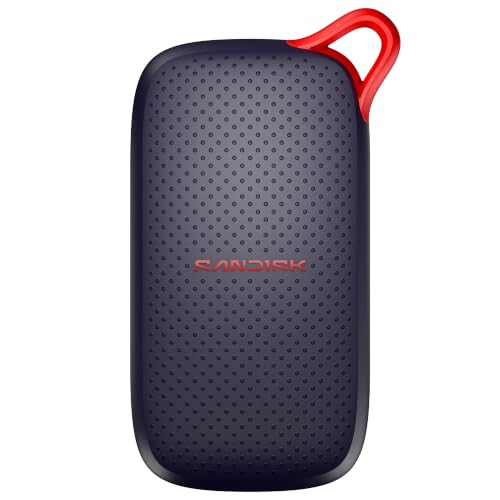
Western Digital P40
A 1TB portable external SSD with speeds up to 2000 MB/s over USB 3.2 Gen2x2, RGB lighting and a 5-year limited warranty.
View on Amazon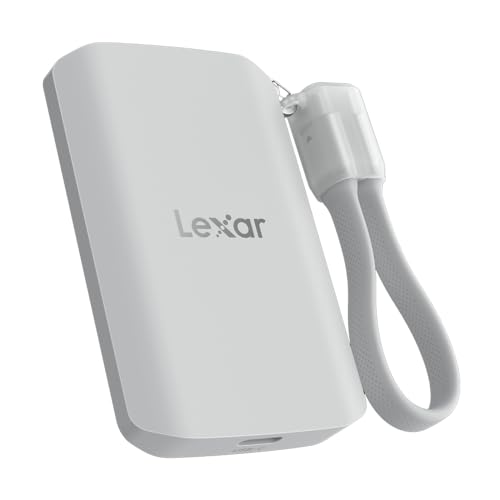
Lexar 2TB ES5 Magnetic External SSD
A 2TB magnetic external SSD with read and write speeds up to 2000 MB/s, MagSafe-compatible for smartphones, rated IP65 and drop resistant up to 3M.
View on Amazon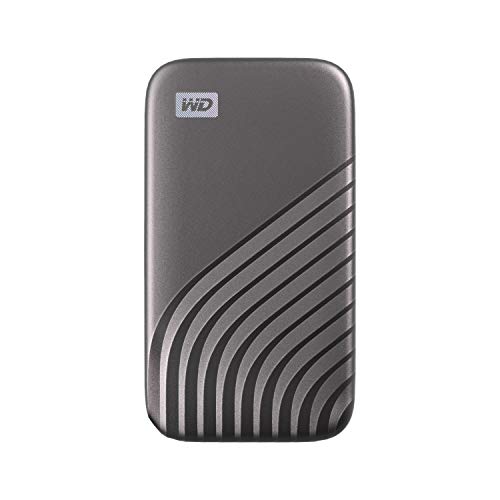
Western Digital WDBAGF0010BGY-WESN
A 1TB portable external SSD with read speeds up to 1050 MB/s, password-enabled 256-bit AES hardware encryption and a 5-year manufacturer's limited warranty.
View on AmazonThese come from our ranked list Best External SSD, which compares them spec by spec.
FAQ
Is external memory the same as a USB flash drive?
A USB flash drive is one kind of external memory. The drives here are external SSDs: the P50 holds 4TB, the Lexar ES5 holds 2TB, and the P40 and the My Passport hold 1TB each.
Can I use an external drive on more than one computer?
Yes. Unplug the drive from one computer and plug it into another with a matching USB port. The P50 and the P40 work with PC and Mac, and the Lexar ES5 works with PC, Mac and USB-C smartphones.
Does an external drive make my computer faster?
No. An external drive adds storage, not speed to the computer itself. It holds files outside the computer, and the computer still runs on its own RAM and built-in drive.