How to Use a Flash Drive as an SSD
 By Theo LangUpdated
Yes, you can use a flash drive as external storage in the same way you use a portable SSD. Plug it into a USB port and it appears as a drive for files and backups, and you can carry it between computers. It works for extra space and moving files, but it is not a replacement for an internal SSD.
Plug the drive in and check it appears
Push the flash drive into a USB port on your computer and wait a moment for it to appear in your file manager. If nothing appears, try another port, and check that your computer's USB-C port supports the connection you expect when you use an adapter. A drive that appears with its files listed is ready to use.
Format the drive for your computers
A new drive may use a file system that one of your computers cannot write to, so check the format before you move files onto it. Formatting erases everything on the drive, so copy any files off it first. Pick a file system your computers can all read and write, such as exFAT for moving files between Windows and Mac, then format the drive through your computer's disk utility.
Copy files, then eject before unplugging
Drag files onto the drive and wait until the copy finishes before you close the window. Keep a second copy of anything important somewhere else, since a flash drive is small and easy to lose. When you finish, eject the drive in your file manager or taskbar first, then pull it out, so no file is left half-written.
Know where a flash drive falls short
A flash drive stores files well, but its parts are simpler than a portable SSD, so large transfers take longer and heavy rewriting wears it out sooner. Watch for signs of wear, such as files that will not open, copy errors, or a drive that stops appearing. For large files and daily use, a portable SSD is the better tool.
What you need

Western Digital P50
A 4TB portable SSD with rated read speeds up to 2000 MB/s and a SuperSpeed USB 20Gb/s interface, with a 5-year manufacturer's limited warranty.
View on Amazon
Western Digital P40
A 1TB portable SSD with a USB 3.2 Gen2x2 interface and speeds up to 2000 MB/s, plus RGB lighting controlled through the WD_BLACK Dashboard.
View on Amazon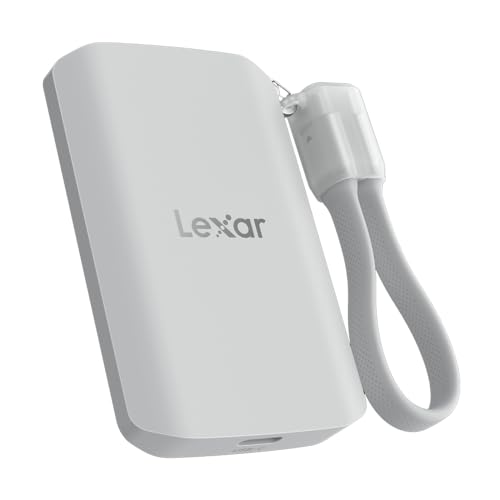
Lexar 2TB ES5 Magnetic External SSD
A 2TB magnetic external SSD with read and write speeds up to 2000 MB/s, a USB 3.2 Gen 2x2 interface, and a MagSafe-compatible design.
View on Amazon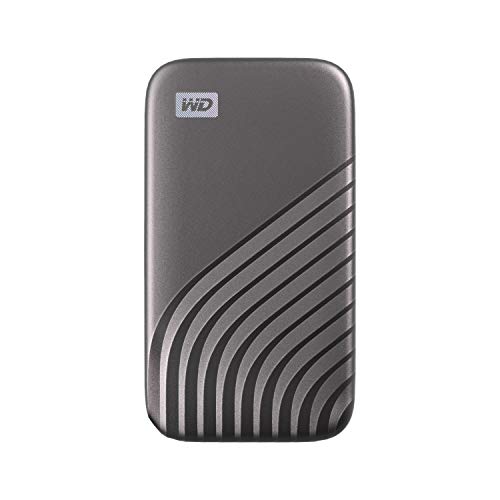
Western Digital WDBAGF0010BGY-WESN
A 1TB portable SSD with speeds up to 1050 MB/s, a USB 3.2 Gen-2 interface, and password protection with 256-bit AES hardware encryption.
View on AmazonThese come from our ranked list Best External SSD, which compares them spec by spec.
FAQ
Can I run programs from a flash drive?
You can store programs on a flash drive, but they run slower from it than from an SSD, and some software expects to live on the system drive. Check the requirements published for your software before you install it there.
Can a flash drive replace an internal SSD?
No. An internal SSD connects inside the computer through a faster interface, while a flash drive connects over USB. Use a flash drive as extra external storage and for moving files, not as a system drive.
Why is my flash drive slower than my SSD?
A portable SSD has a controller and interface built for sustained transfers, while a flash drive uses simpler parts. Speed also depends on the USB port you use and the size of the files you move.