How to Choose an External SSD
 By Theo LangUpdated
Choose an external SSD by matching its capacity, speed and connector to the files you move and the ports your computer has. A drive with a faster interface still runs at the speed of the slowest port in the chain, so check the port first. Capacity decides how much you can carry, and a rugged build matters if the drive travels with you.
Start with capacity
Add up the files you plan to carry, then pick a drive with room to grow. The drives here run from 1TB to 4TB, so a 1TB drive suits a small photo or document library, while a 4TB drive holds a large game library. Leave spare room on the drive, since a nearly full drive is harder to manage. Check the stated capacity before you buy, since usable space runs lower than the stated figure.
Match the speed to the port
A drive rated at 2000MB/s only reaches that speed on a port that supports it, so check the USB version on your computer first. The drives here use USB 3.2 Gen 2x2, SuperSpeed USB 20Gb/s and USB 3.2 Gen-2, and each one runs slower on an older port. Read the port type in your computer manual, then pick a drive whose interface matches it. A faster drive on a slow port runs at the port's speed, not the drive's rated speed.
Check the connector and cable
Check that the drive cable fits a port on your computer, and check whether the drive uses USB-C or another connector. The P50 comes with an 18-inch USB Type-A to Micro-B cable, while the My Passport uses USB-C with USB-A for older systems. If your computer has only USB-C ports, a drive with a USB-C cable saves you an adapter. Keep the cable that comes with the drive, since a random cable may run slower.
Weigh ruggedness and security
If the drive travels in a bag, look at the drop and water ratings the maker states. The Lexar ES5 is rated IP65 for dust and water resistance and drop resistant up to 3M, while the My Passport is drop resistant up to 6.5ft and the P40 survives a drop of up to two meters. If you carry private files, the My Passport adds password protection with 256-bit AES hardware encryption. Pick the protection that matches how and where you carry the drive.
Check warranty and compatibility
All four drives here list a 5-year warranty, so compare the other details instead. Check that the drive lists your system, since the P50 and P40 list PlayStation, Xbox, PC and Mac, and the Lexar ES5 lists iPhone 15 and 16 or above, PC and Mac. The P40 RGB lighting needs the WD_BLACK Dashboard on Windows, so check that your system runs it. Confirm the drive works with the devices you own before you buy.
What you need

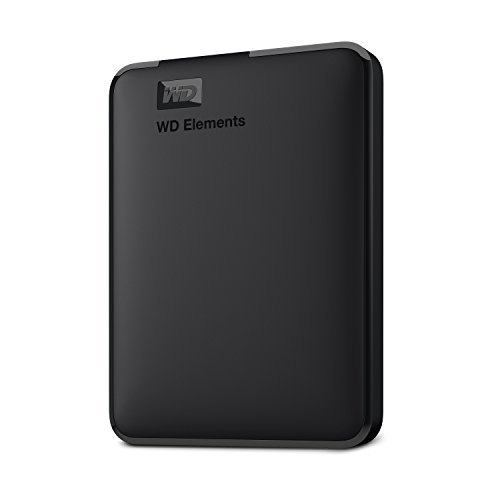
Western Digital P50
A 4TB drive with speeds up to 2000MB/s, a SuperSpeed USB 20Gb/s interface, and an 18-inch USB Type-A to Micro-B cable.
View on Amazon
Western Digital P40
A 1TB drive with speeds up to 2000MB/s, a USB 3.2 Gen2x2 interface, and RGB lighting you customize with the WD_BLACK Dashboard.
View on Amazon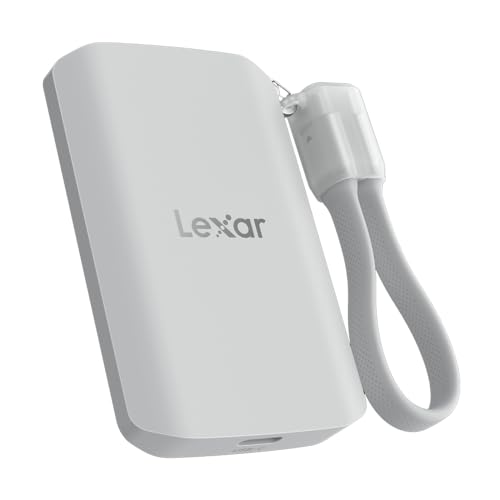
Lexar 2TB ES5 Magnetic External SSD
A 2TB magnetic drive with 2000MB/s read and write speeds, MagSafe compatibility, and an IP65 rating for dust and water resistance.
View on Amazon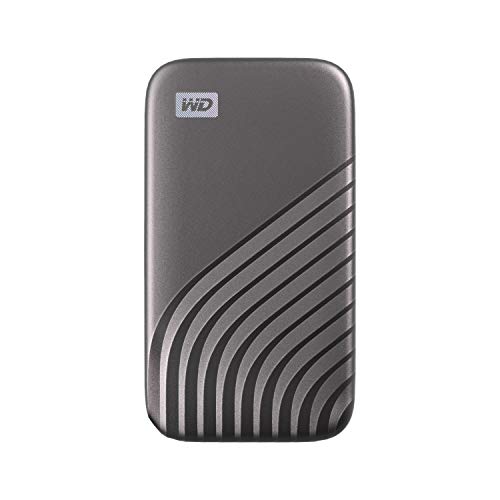
Western Digital WDBAGF0010BGY-WESN
A 1TB drive with speeds up to 1050MB/s, USB 3.2 Gen-2 and USB-C, and password protection with 256-bit AES hardware encryption.
View on AmazonThese come from our ranked list Best External SSD, which compares them spec by spec.
FAQ
Do I need a faster drive for games?
It depends on how you use the drive. A drive rated at 2000MB/s loads files faster than a drive rated at 1050MB/s when the port supports it, so check your port first. For documents and photos, speed matters less than capacity.
Will an external SSD work with a game console?
The P50 and P40 list PlayStation, Xbox, PC and Mac, so check your console model against the drive listing before you buy. Some consoles play games from an external drive and others only store them, so check the console manual for the rules that apply to your games.
What does IP65 mean on the Lexar drive?
The Lexar ES5 is rated IP65 for dust and water resistance. Check what that rating covers in the drive manual before you rely on it near water.