Types of External SSDs Explained
 By Theo LangUpdated
External SSDs come in a few types: portable drives for files and backup, game drives for consoles and PC, and magnetic drives that attach to a phone. The type sets the shape and the extras, while the USB interface sets how fast files move. Match the type to the job, then check that your computer's port supports the drive's interface.
Portable drives for everyday files
A portable drive is a small SSD in a case with a USB cable, made to carry files between computers and to hold a backup. It connects through a USB cable and needs no wall charger. Some portable drives add password protection with hardware encryption for files that should stay private. Pick a drive that is small enough to carry and has room for the files you plan to move.
Game drives for consoles and PC
A game drive is a portable SSD shaped for a game library, and game drives list the consoles and computers they work with, such as PlayStation, Xbox, PC and Mac. Games load from the drive, but some consoles only store some games on an external drive and play others from internal storage, so check what your console allows before you buy. A game drive also holds new titles as they arrive, so count the games you want installed and compare that with the capacity the drive lists.
Magnetic drives for phones
A magnetic drive attaches to the back of a phone with a magnetic mount, so it rides along while you shoot video or move files. Some magnetic drives support recording video in Apple ProRes straight onto the drive, which keeps the phone's own storage free. A metal ring accessory gives any device a magnetic surface to attach to, so the drive can also sit on a phone without a magnetic back. Check that the drive fits your phone model before you buy.
What the USB interface and cable decide
The USB interface sets how fast files move between the drive and the computer. Common interfaces are USB 3.2 Gen 2x2, SuperSpeed USB 20Gb/s and USB 3.2 Gen-2, and a drive only reaches its listed speed when the port and the cable support the same interface. The P50's included Type-A to Micro-B cable is rated up to 5Gbps, so it cannot carry the 2000 MB/s the drive lists over SuperSpeed USB 20Gb/s. Check the port on your computer first, since a USB-C port does not always support the same USB interface as the drive.
What you need

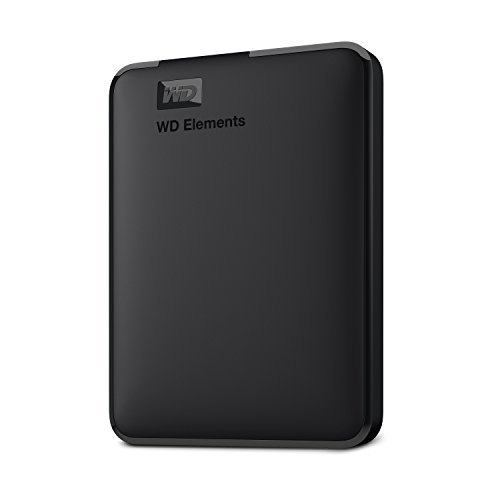
Western Digital P50
A 4TB portable SSD with SuperSpeed USB 20Gb/s, read speeds up to 2000 MB/s, and an 18-inch USB Type-A to Micro-B cable in the box.
View on Amazon
Western Digital P40
A 1TB portable SSD with a USB 3.2 Gen2x2 interface, speeds up to 2000MB/s, RGB lighting and a shock-resistant structure.
View on Amazon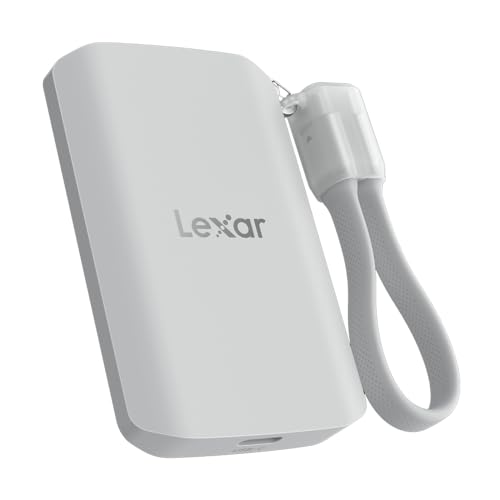
Lexar 2TB ES5 Magnetic External SSD
A 2TB magnetic SSD with USB 3.2 Gen 2x2, read and write speeds up to 2000MB/s, MagSafe compatibility and an IP65 rating.
View on Amazon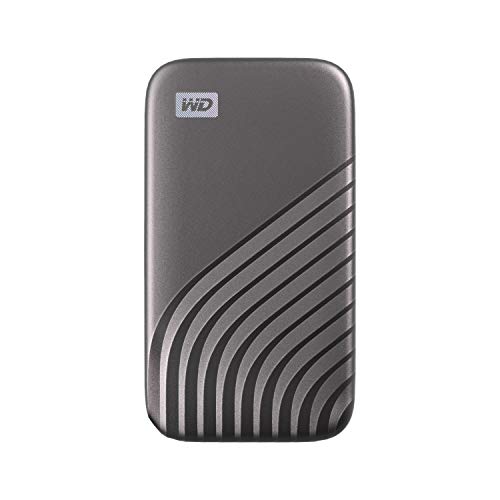
Western Digital WDBAGF0010BGY-WESN
A 1TB portable SSD with USB 3.2 Gen-2, speeds up to 1050MB/s, password protection with 256-bit AES hardware encryption and a USB-C connection.
View on AmazonThese come from our ranked list Best External SSD, which compares them spec by spec.
FAQ
What is the difference between a portable SSD and a game drive?
A game drive is a portable SSD shaped for a game library, with console compatibility listed for PlayStation and Xbox. A portable drive is the general type, made to carry files and backups between computers. Either type works as a portable drive, so pick by the systems you use.
Do external SSDs need a power supply?
No. A portable SSD draws power from the USB port, so it runs without a wall charger. Plug the drive into a USB port on your computer and it shows up as a drive you can use.
Can I record video straight to a magnetic external SSD?
Yes, if the drive lists that support. Some magnetic drives support recording in Apple ProRes, so a phone can record video straight onto the drive. Check that the drive lists your phone model and the video format you plan to use.