What Is a Flash Memory Drive?
 By Theo LangUpdated
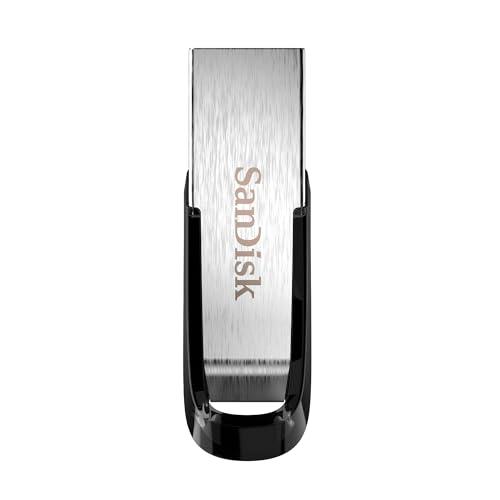
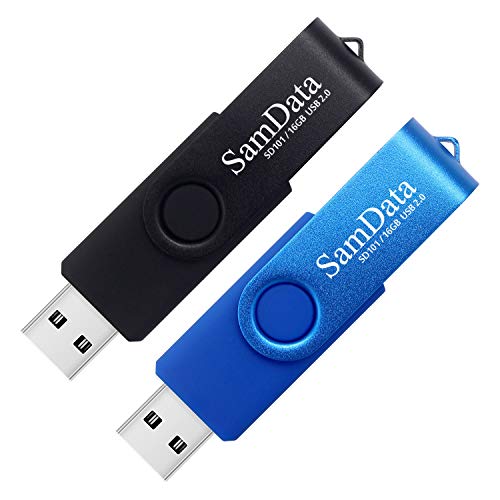
A flash memory drive is a small portable storage device that holds files on flash memory chips and connects through a USB plug. You plug it into a computer or other device with a matching port, copy files to it, then remove it and carry the files to another device. It keeps files when unplugged and needs no battery.
How a flash drive stores files
Inside the outer case, flash memory chips hold your files as stored charge patterns that stay in place without power. A controller chip talks to the host device through the USB connection and manages where files are written and read. When you copy a file, the host sends data to the controller, which writes it to the chips. When you open the file later, the controller reads the data back and sends it to the host.
Names for the same device
You may see the same kind of device called a flash drive, a USB stick, a thumb drive or a jump drive. The names differ, but the job is the same: portable file storage on flash memory with a USB connector. The case shape and size vary by model. Check the connector type and capacity on the package before you choose one, so the drive fits your port and holds your files.
Connectors and USB versions
Flash drives use connectors such as USB Type-A or USB Type-C, and the drive and the host port must match or use a suitable adapter. Drives also list a USB version, such as USB 3.0 or USB 3.2 Gen 1, which describes the connection standard the drive follows. Check the drive notes for use with older ports, and expect transfer speed to be limited by the slower side. Check your device manual for the port type you have.
What to check before copying
Check that the drive capacity, shown in GB, is larger than the files you plan to copy. Plug the drive straight into the port without force, wait for the host to show the drive, then copy files and wait for copying to finish. Use the host eject or remove option before you unplug the drive, so writes can complete. Keep another copy of important files in another place, since a small drive is easy to lose.
What you need

Lexar D40E 256GB Dual USB 3.2 Gen
A 256 GB dual drive with USB Type-A and Type-C connectors, a swivel metal housing and rated read speed up to 100 MB/s.
View on Amazon
Lexar D40E 128GB Dual USB 3.2 Gen
A 128 GB dual drive with USB Type-A and Type-C connectors, a swivel metal housing and rated read speed up to 100 MB/s.
View on Amazon
PNY 256GB Turbo Attaché 3 USB 3.0
A 256 GB USB 3.0 flash drive with a sliding collar capless design and rated read speed up to 100 MB/s.
View on Amazon
PNY 128GB Turbo Attaché 3 USB 3.0
A 2-pack of 128 GB USB 3.0 flash drives with sliding collar capless design and rated read speed up to 100 MB/s.
View on AmazonThese come from our ranked list Best USB Drive, which compares them spec by spec.
FAQ
Is a flash drive the same as a USB stick?
Yes. Flash drive, USB stick, thumb drive and jump drive are different names for portable storage that uses flash memory chips and a USB connector. Check the connector type and capacity to tell drives apart.
Does a flash drive need power to keep files?
No. Flash memory holds files without power, so the drive keeps data when unplugged. Power comes from the host port only while the drive is connected and in use.
Can you use a flash drive with a phone?
It depends on the phone port and software support. Check that the connector matches, such as USB Type-C, and that the phone manual lists support for USB storage before you rely on it.