What to Look for in a Gaming PC
 By Theo LangUpdated
A gaming PC is judged by its graphics card, processor, memory and storage. The graphics card draws the picture, the processor handles the game logic, the memory holds the data in use, and the storage holds the games themselves. Match those parts to the games you play, and check the requirements published for each game before you buy.
Start with the graphics card
The graphics card decides what resolution and detail settings a PC can show. A card listed for 1080p play suits a 1080p monitor, while a card listed for 1440p suits a 1440p monitor, so match the card to the monitor you own or plan to buy. Check the card name and the video memory figure, then check the requirements published for the games you play.
Check the processor and memory
The processor handles the game logic and background tasks, so a newer processor generation handles more at once. Memory holds the data the game uses right now: 16 GB is a common size for gaming desktops, and 32 GB leaves more headroom for streaming or editing beside the game. Check that the memory type matches the board, such as DDR5, and check the requirements published for your games.
Look at storage and ports
Games install to the storage drive, so check the size in GB and whether the drive is a PCIe 4.0 SSD, which moves game data faster than an older drive. Check the ports on the back of the PC as well: HDMI and DisplayPort for monitors, USB-C and USB-A for accessories, and Ethernet or Wi-Fi for the network. Count the monitors and devices you plan to connect before you buy.
Check the monitor and the warranty
A gaming PC only shows what its monitor can show, so match the PC to a monitor with the resolution and refresh rate you want, such as 1440p at 144 Hz. Check the warranty term and what it covers, and read the maker's manual for setup, airflow and care. Keep the box and the proof of purchase in case you need support.
What you need

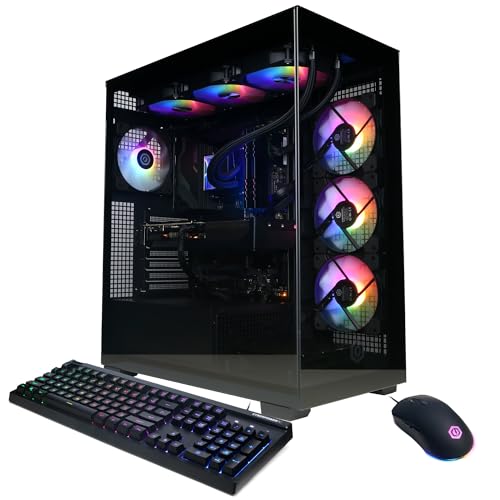
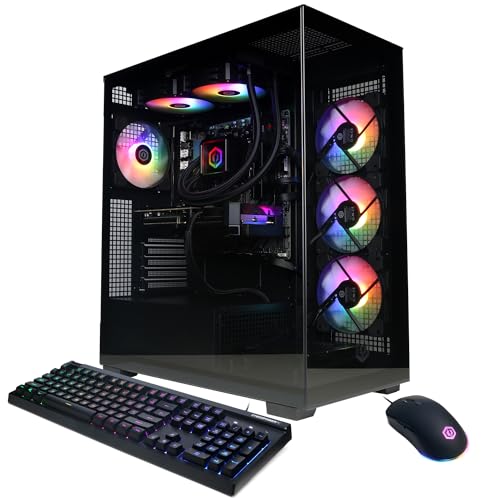
CyberPowerPC Gaming PC
A Ryzen 7 8700F desktop with a GeForce RTX 5060 Ti, 16GB DDR5 and a 1TB PCIe 4.0 SSD, with Wi-Fi 6, USB-C and Windows 11 Home.
View on Amazon
Alienware Aurora Gaming Desktop
An Intel Core Ultra 7 265F desktop with a GeForce RTX 5070, 32GB DDR5 and a 1TB SSD, with Wi-Fi 7, Killer 2.5Gb Ethernet and AlienFX lighting.
View on AmazonAlienware Gaming Desktop
An Intel Ultra7 265F desktop with a GeForce RTX 5060 Ti, 16GB DDR5 and a 1TB SSD, with Wi-Fi 7, Killer 2.5Gb Ethernet and AlienFX lighting.
View on Amazon
MSI Codex Z2 Gaming Desktop
An AMD Ryzen 7 8700F desktop with a GeForce RTX 5070, 32GB DDR5 and a 2TB SSD, with USB Type-C, RGB lighting and Windows 11 Home.
View on AmazonThese come from our ranked list Best Gaming PC, which compares them spec by spec.
FAQ
Do I need 32 GB of memory for gaming?
Not always. 16 GB is a common size for gaming desktops, and 32 GB leaves more headroom when you stream or edit beside the game. Check the requirements published for the games you play.
What does the graphics card do?
The graphics card draws the picture on your monitor, including the resolution and detail in each frame. A stronger card shows more detail at a higher resolution, so match the card to your monitor and to the requirements published for your games.
Is Wi-Fi enough for online gaming?
Wi-Fi works for online play, and a wired Ethernet connection gives a steadier link when the router sits near the desk. Check the ports on the PC and the network gear you own, and pick the connection that fits your room.