
How to Put an SD Card in an Adapter
 By Theo LangUpdated
An SD card adapter is a reader with a slot shaped for a full-size SD card. Hold the adapter steady, line up the card with the contacts pointing in and the angled corner matching the slot, and push it in until the front edge sits flush. The card fits one way only, so if it resists, turn it over and try again.
Find the slot on the adapter
Look for the slot on the adapter, on one end or along the side, shaped to match a full-size SD card. The slot opening is about the width of the card, with one angled corner. Hold the adapter steady on a flat surface so the slot stays level while you line the card up.
Line up the card before you push
Hold the card with the gold contacts pointing toward the slot. Match the angled corner of the card to the angled corner of the slot, so the card slides in straight. The card fits one way only, so if it will not start into the slot, turn it over and try again rather than forcing it.
Push the card in until it seats
Push the card in with steady, even pressure until the front edge sits flush with the adapter. Some adapters click when the card locks in place, while others hold the card by friction alone. If the card sticks out at an angle or wobbles, pull it straight out and line it up again.
Check that the card shows up
Plug the adapter into the computer or reader and wait a moment for the card to appear. If nothing appears, remove the adapter, take the card out, and seat it again. If the card shows as read-only, slide the small lock switch on the side of the card toward the unlocked position and try again.
What you need

32GB SD Card (3 Pack)
A 32 GB SDHC card rated up to 90 MB/s with a V30 speed rating, in a 3-pack for cameras and camcorders.
View on Amazon
GIGASTONE 32GB SD Card 5-Pack UHS-I U1
A 32 GB SDHC card rated up to 80 MB/s with a U1 speed rating, in a 5-pack with 5 mini cases.
View on Amazon
GIGASTONE 32GB SD Card 2-Pack
A 32 GB SDHC card rated up to 100 MB/s with a U1 speed rating, in a 2-pack with 2 mini cases.
View on Amazon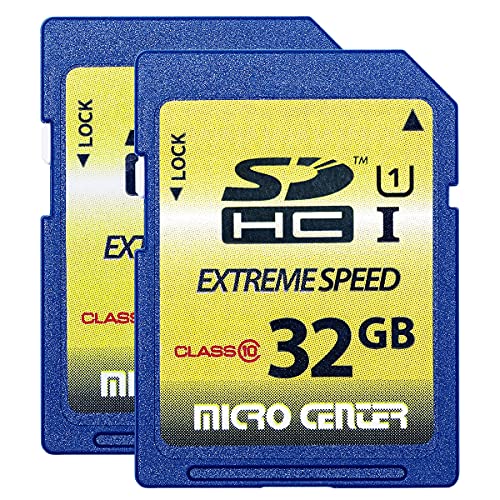
INLAND 32GB SDHC Flash Memory Card Standard
A 32 GB SDHC card rated at 60 MB/s read and 10 MB/s write, in a 2-pack for trail cameras and digital cameras.
View on AmazonThese come from our ranked list Best Sdhc, which compares them spec by spec.
FAQ
Can I put a full-size SD card in a microSD adapter?
No. A microSD adapter takes a microSD card only. A full-size SD card goes straight into a camera, a laptop slot or a USB card reader.
Which way does the SD card go into the adapter?
Gold contacts facing into the slot, with the angled corner matching the slot shape. If the card resists, turn it over and try again.
Why does my computer not see the card in the adapter?
Take the card out and seat it again, then try another USB port or reader. Check the lock switch on the card, and confirm the computer supports SDHC cards.


