How to Select a Laptop Computer
 By Theo LangUpdated
Start with how you will use the laptop, match the screen size, memory, storage and ports to that use. A 13.6-inch screen and a 2.71 lb weight suit a laptop you carry, while a 17.3-inch screen suits desk work with more room for windows. Compare the memory and storage figures of the laptops below against the files you keep and the requirements published for your software.
Start with how you will use it
Write down the software you use most and the work you do with it, such as classes, office documents, video calls or photo editing. Then read the requirements published for that software and compare them with the processor, memory and storage figures on the laptop. A laptop that fits your software and your files is the one to buy.
Pick the screen size and weight
Screen size and weight decide how the laptop feels to carry and use. The MacBook Air has a 13.6-inch Liquid Retina display and weighs 2.71 lb, and the MacBook Neo has a 13-inch Liquid Retina display and weighs 2.71 lb. The Dell has a 15.6-inch FHD display and weighs 3.67 lb, and the HP has a 17.3-inch FHD display. A smaller screen and a lower weight suit carrying, while a larger screen shows more at once.
Compare memory and storage
Memory and storage figures tell you how much the laptop holds at once and how much it stores. The MacBook Air, the Dell and the HP each have 16GB of memory and a 512GB SSD, while the MacBook Neo has 8GB of unified memory and a 256GB SSD. Compare those figures with the files you keep locally and the requirements published for your software, and keep the two figures separate from the processor name.
Check the ports and the operating system
Ports decide what you can plug in, and the operating system decides which software runs. The MacBook Air has two Thunderbolt 4 ports, a MagSafe charging port and a headphone jack, and it supports up to two external displays. The Dell has Wi-Fi 6 and a backlit keyboard, and the HP has a numeric keypad. The MacBook Air and the MacBook Neo run macOS. The Dell and the HP run Windows 11. Check that your laptop's USB-C port supports video output before you buy a monitor for it.
What you need

Apple MacBook Air 13-inch Laptop
A 13.6-inch MacBook Air with the M5 chip, 16GB of unified memory, a 512GB SSD, Wi-Fi 7 and a 2.71 lb weight.
View on Amazon
Apple MacBook Neo 13-inch Laptop
A 13-inch MacBook Neo with the A18 Pro chip, 8GB of unified memory, a 256GB SSD and a 1080p FaceTime HD camera.
View on Amazon
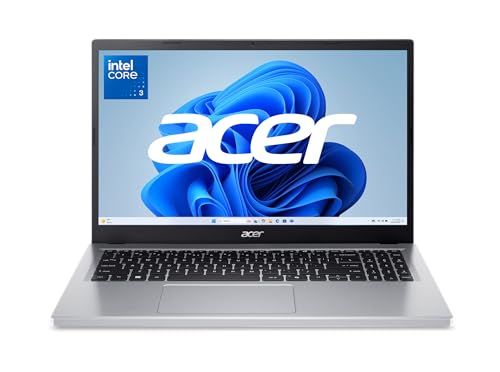
Dell 15.6 Laptop
A 15.6-inch Dell laptop with an Intel Core Ultra 5 225U, 16GB of DDR5 memory, a 512GB SSD and a backlit keyboard.
View on Amazon
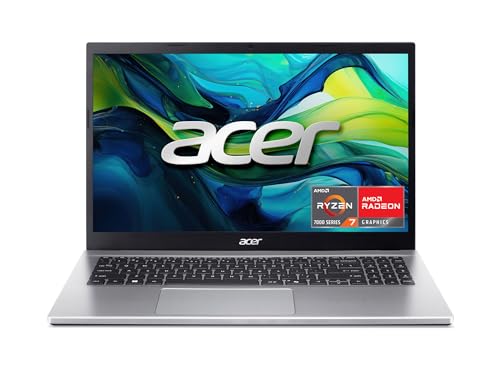
HP 17-inch Laptop
A 17.3-inch HP laptop with an AMD Ryzen 5, 16GB of memory, a 512GB SSD, a numeric keypad and Windows 11.
View on AmazonThese come from our ranked list Best Laptop, which compares them spec by spec.
FAQ
Is 8GB of memory enough for school work?
It depends on your software. The MacBook Neo has 8GB of unified memory, while the MacBook Air, the Dell and the HP each have 16GB. Check the requirements published for the software you use before you decide.
How much do these laptops weigh?
The MacBook Air and the MacBook Neo each weigh 2.71 lb, and the Dell weighs 3.67 lb. The Dell pairs its 3.67 lb weight with a 15.6-inch screen, while the two MacBooks pair 2.71 lb with 13-inch and 13.6-inch screens.
Can I connect two external displays to the MacBook Air?
Yes. The MacBook Air supports up to two external displays, and it has two Thunderbolt 4 ports and a MagSafe charging port. Check that your monitor cables match those ports before you buy.